

Installer Guide
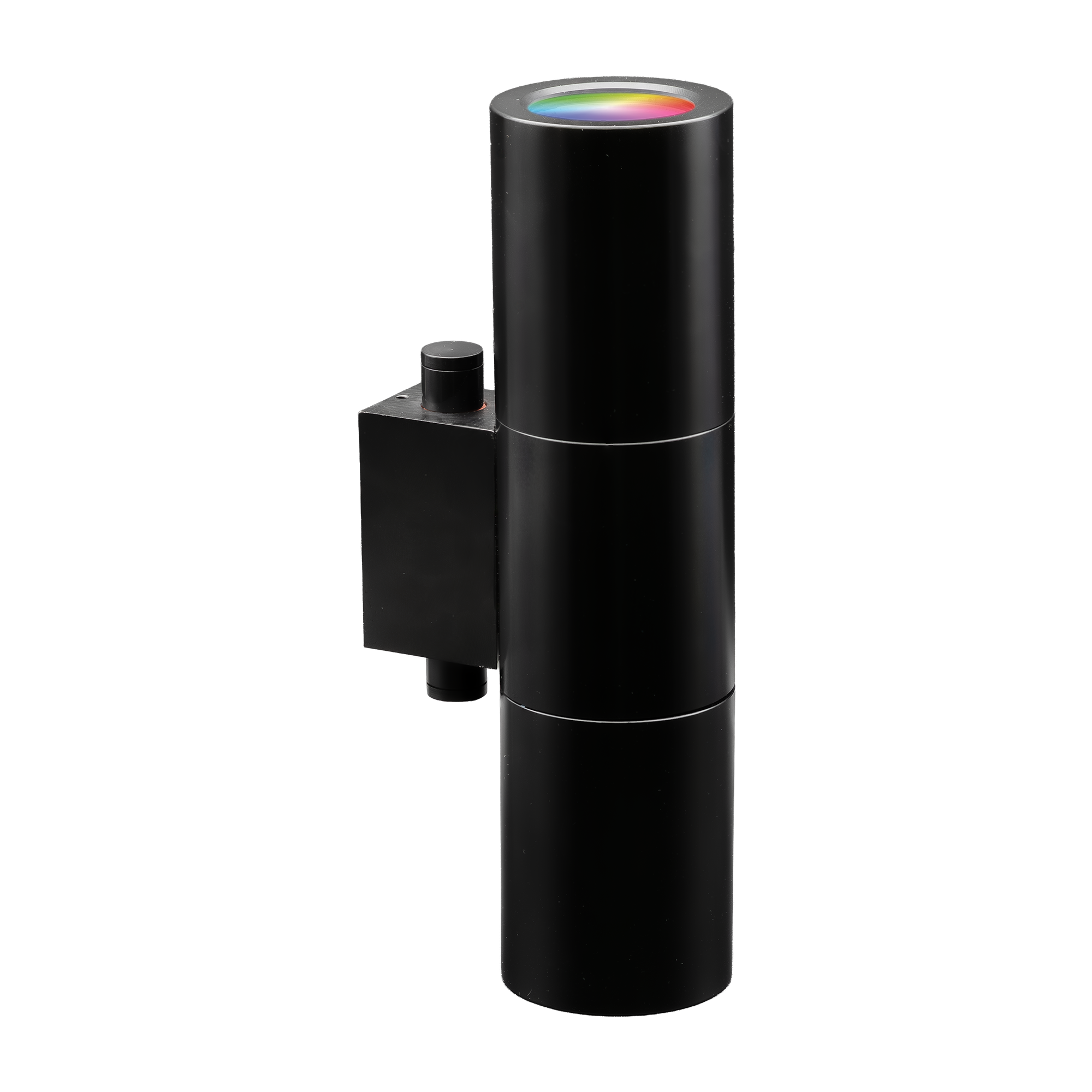
Set the color correctly for proper heat management.
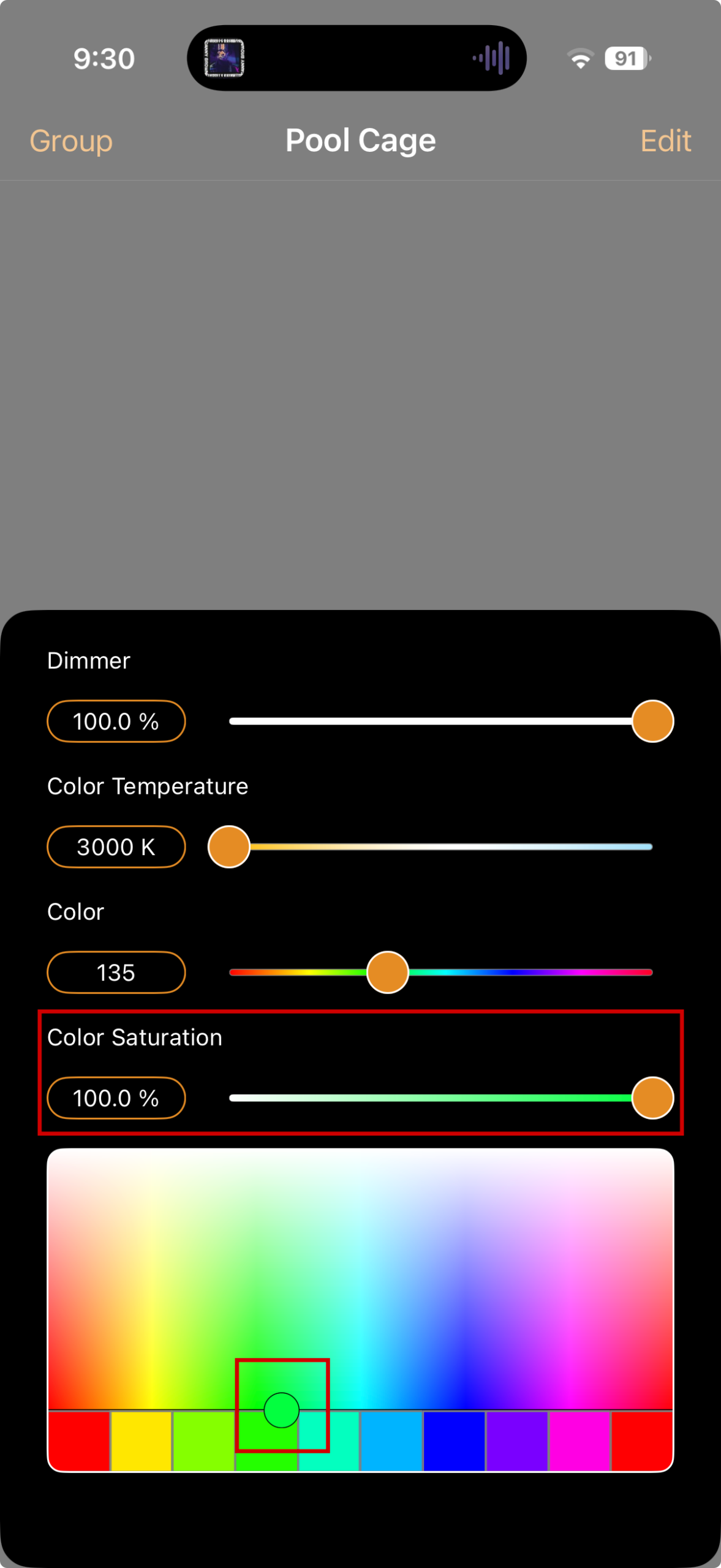
Lowering Color Saturation mixes the red, green and blue LEDs to create a paler color. This can push the fixture above 50 VA and increase heat.
The display reads 100.0%, the required saturation setting for proper heat management.
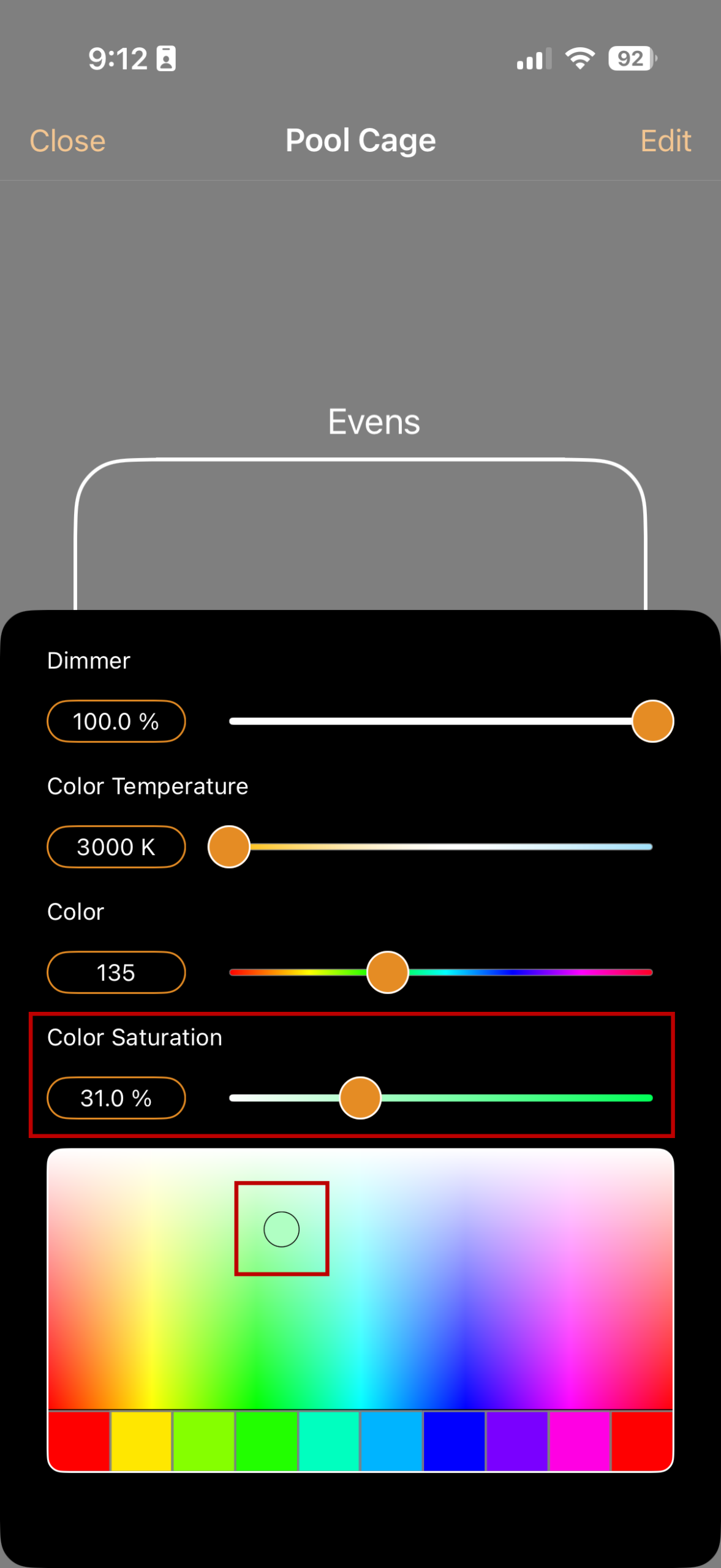
This screenshot shows 31% as an example, but we do not recommend any setting below 100%. Lowering saturation mixes the RGB LEDs, which can push the fixture above 50 VA and increase heat.
Keep Color Saturation at 100% at all times.
Check Color Saturation—not Dimmer. They are separate controls. A Dimmer reading of 100% does not mean Color Saturation is at 100%.
Recheck Color Saturation after every color change.